How to use the tutoring portal?

We need your feedback. Click here!
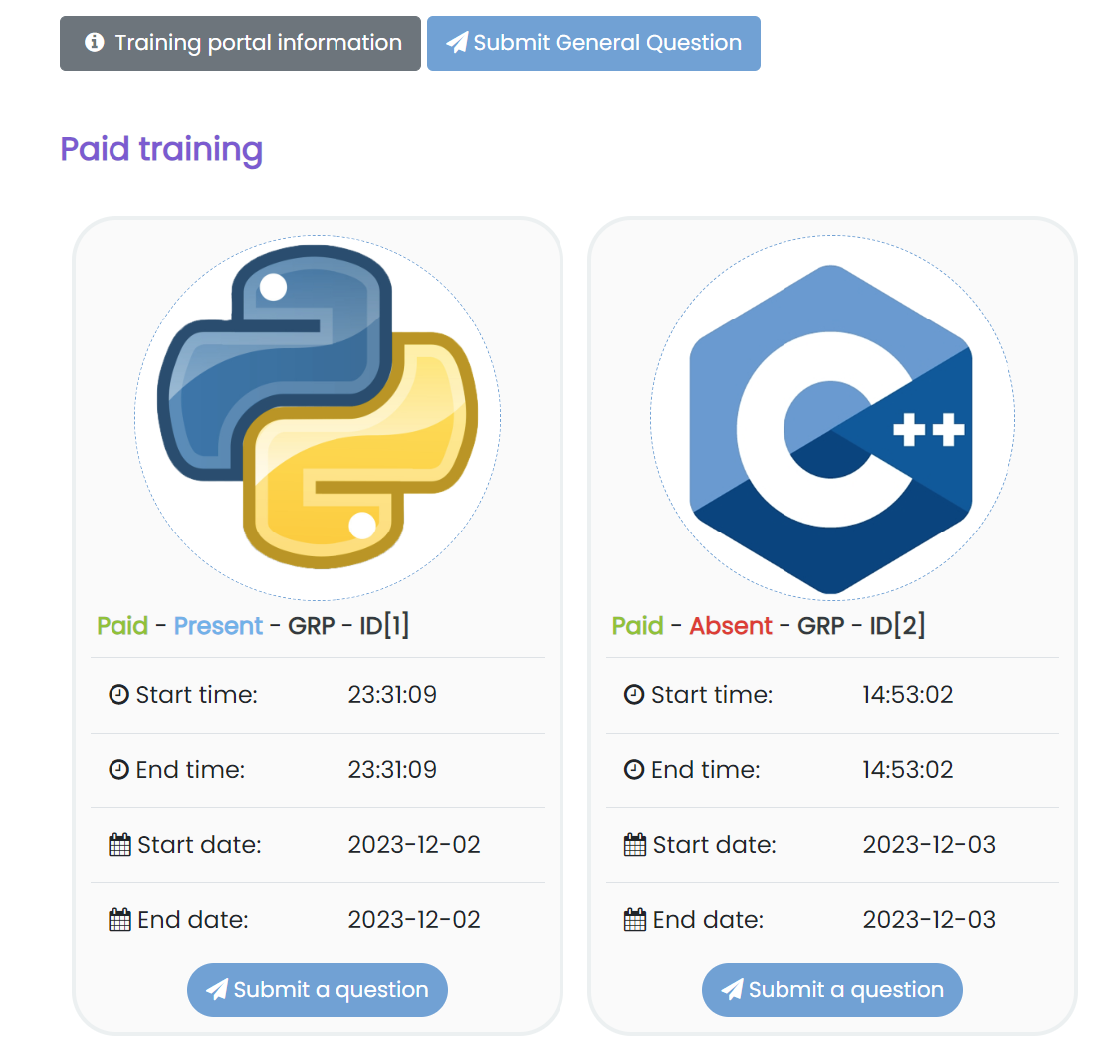
- Upon payment, the customer can access the training related information under the training portal of the web application. From there, the customer can perform the following actions:
- Submit up to three free private questions not related to the paid training using the button Submit General Question
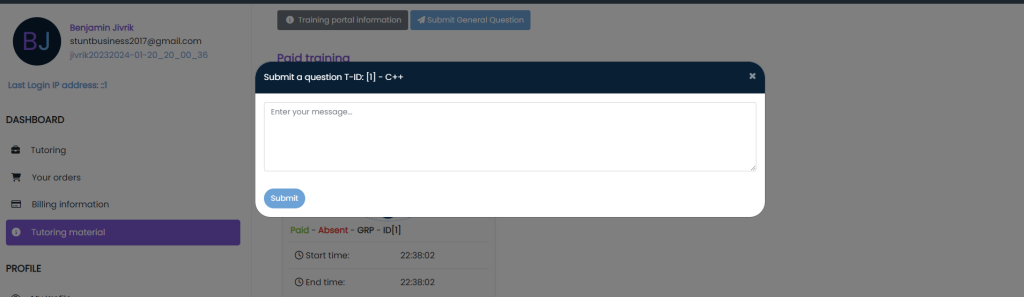
- Submit as many questions as possible related to a paid training by clicking on the button Submit a question.
- Access the information regarding the paid training by clicking on the corresponding training box.
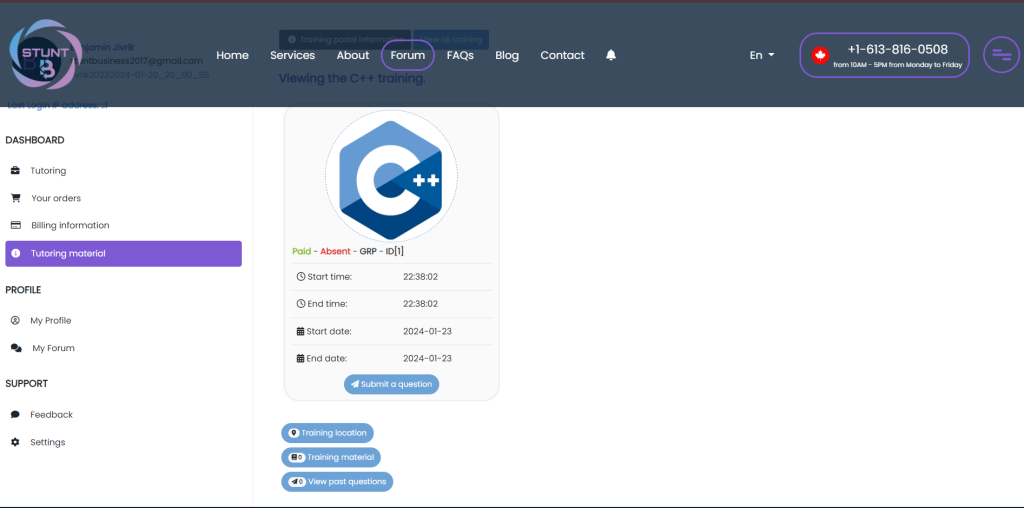
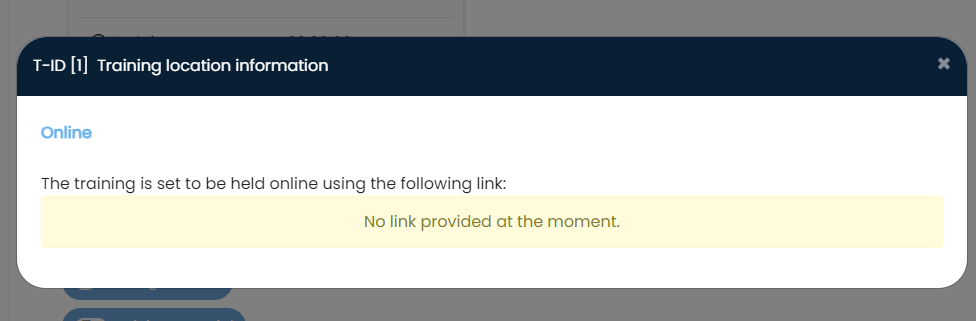
- The button Training location shows you the training location: in person or online. The following image shows the information regarding an online training:
- The button Training material shows you the available training material regarding the paid training. You will receive a notification when a new material is uploaded by a tutor for the corresponding paid training.
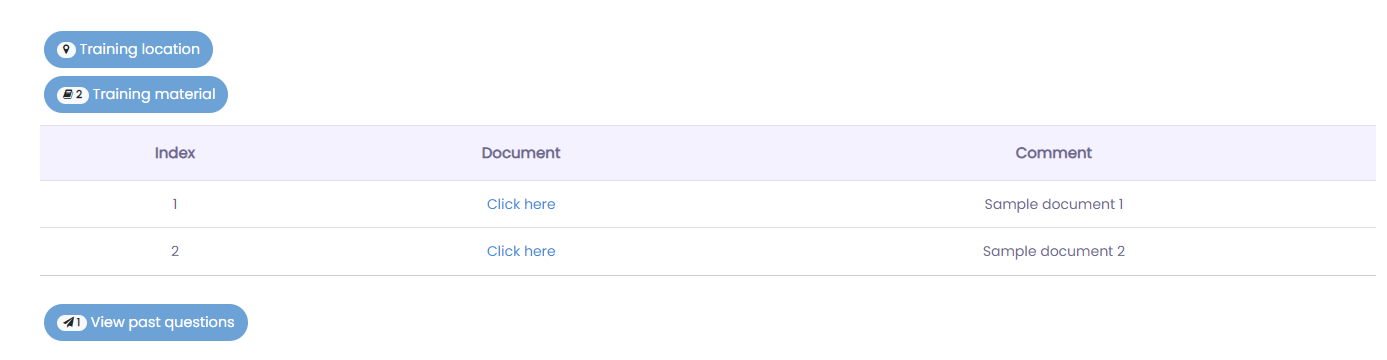
- The button View past questions allow you to view your submitted past questions regarding the paid training. When a tutor answers your question, you should be able to view the corresponding answer appear under your question as shown below:
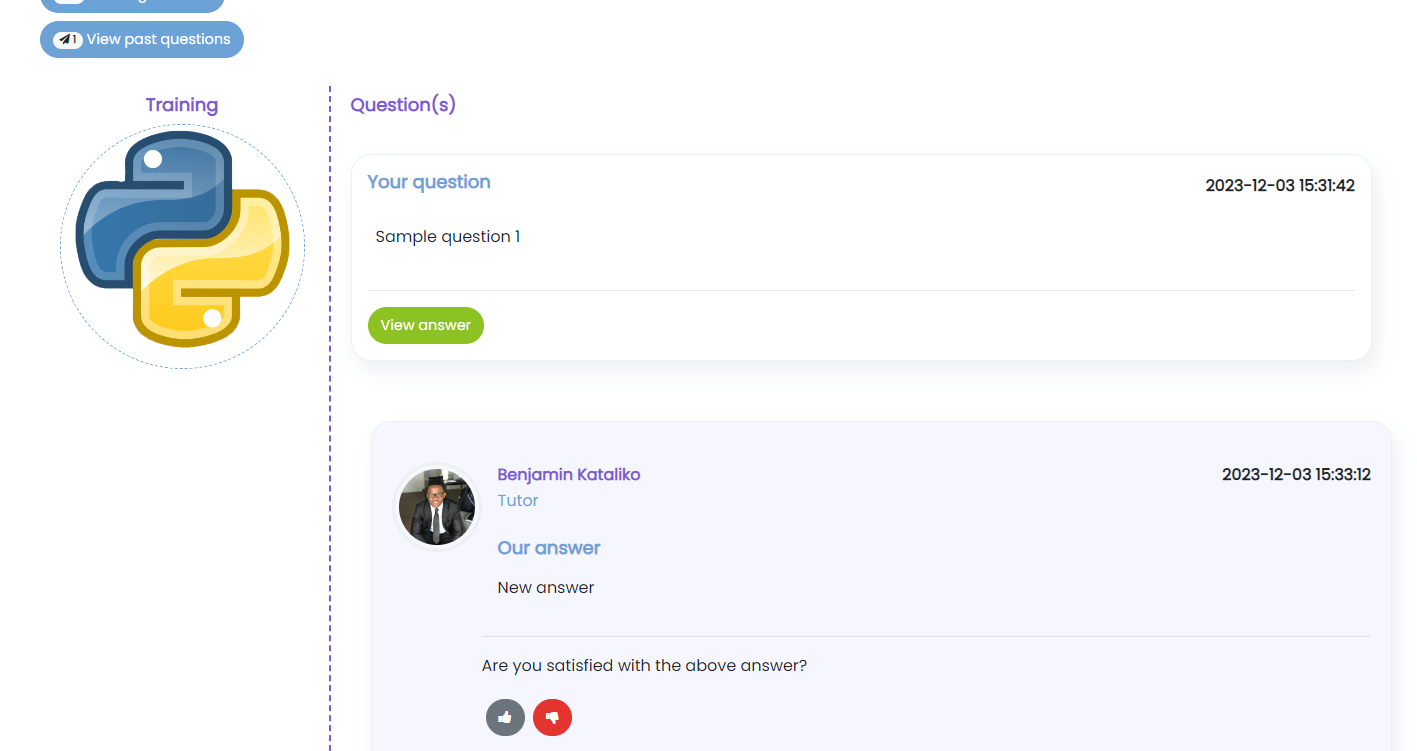
- Use the button ‘thumbs-up’ to indicate that you have been satisfied with the provided answer. And use the button ‘thumbs-down’ to indicate that you are not satisfied with the provided answer. In the latter case, you can send us more information at tech@stuntbusiness.ca and we will get back to you.
If you have any question or concern, please send an email directly to tech@stuntbusiness.ca.